Devices

Which devices work with Flix IPTV?

Flix IPTV plays through a player app on your device. Some devices have a documented setup path with a verified player; others need confirming first. Use the check below for a specific answer — or read the full table.

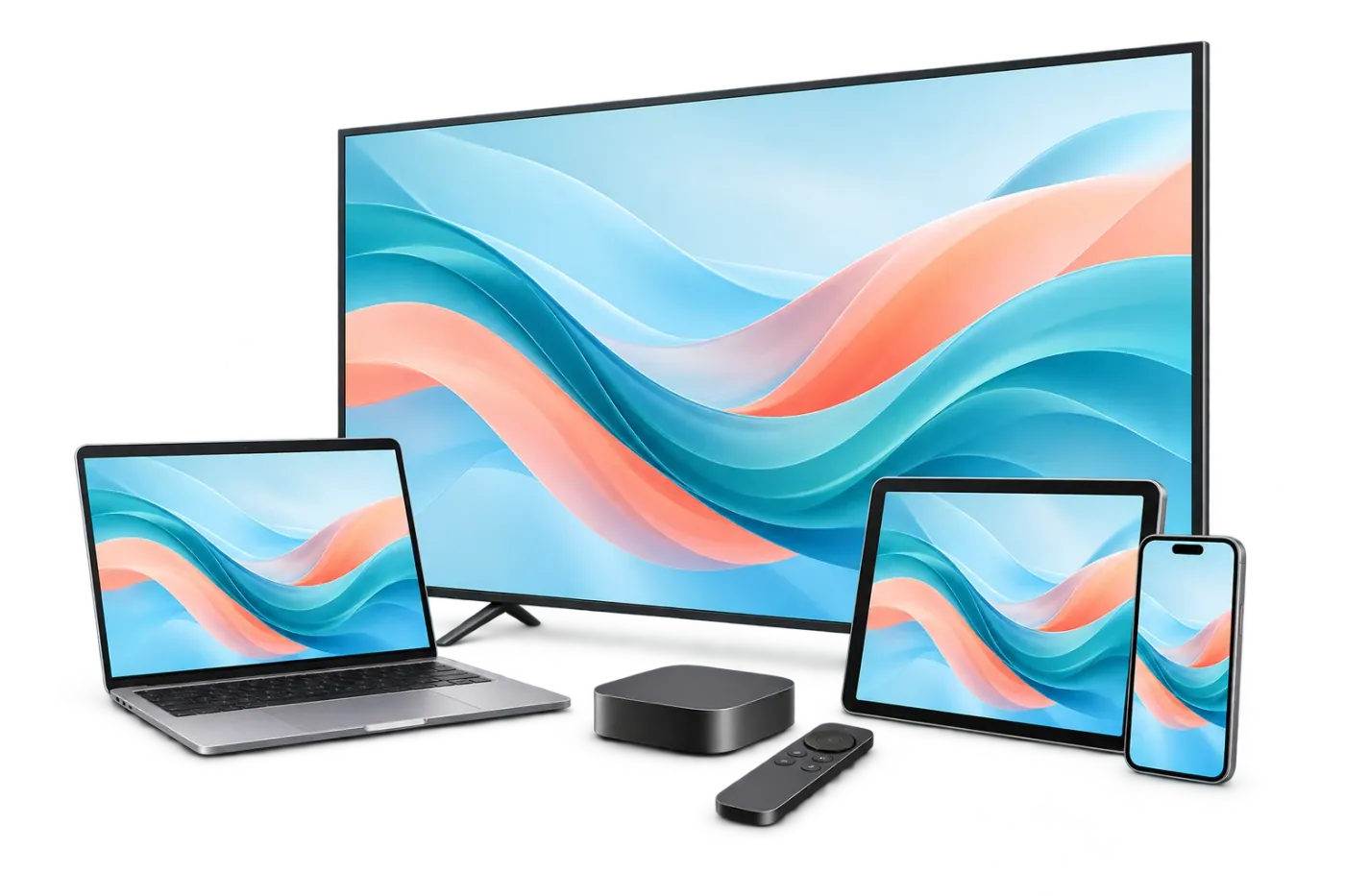
A television, computer, tablet and phone

Device and player check

Which device will you watch on?

Your result

Choose a device to begin

You'll see whether there's a documented setup path, which player you need (it's separate from the subscription), and what login details the guide expects. We never ask for passwords, subscription logins or a MAC address here.

Full table

Every device we've checked

The same results as the interactive check, for someone who doesn't have a player yet. Checked 14 October 2026 against official store listings, developer sites and IPTV Services' setup coverage. It is not a hands-on test of every model.

Flix IPTV device compatibility
Device Result Verified player(s) Guide
Fire TV — Fire OS 7 or 8
Most Fire TV Sticks, including Fire TV Stick 4K Max (2nd Gen)
Setup path available TiviMate IPTV Player Fire TV setup guide
Fire TV — Fire OS 14
Newer Fire TV models
Needs confirmation None verified yet Fire TV setup guide
Fire TV — Vega OS
Fire TV Stick 4K Select (2025), Fire TV Stick HD (2026), Fire TV Stick 4K 3rd Gen (2026)
Needs confirmation None verified yet Fire TV setup guide
Fire TV — Not sure Needs confirmation None verified yet how to check your Fire TV software
Android / Google TV — TV, box or streaming stick
Google TV or Android TV with Google Play
Setup path available TiviMate IPTV Player, IBO Player Android TV / Google TV setup guide
Android / Google TV — Phone or tablet Needs confirmation None verified yet Android TV / Google TV setup guide
Smart TV — Samsung (Tizen) Needs confirmation IBO Player Samsung & LG smart TV setup guide
Smart TV — LG (webOS) Needs confirmation IBO Player Samsung & LG smart TV setup guide
Smart TV — Google TV / Android TV set
e.g. many Sony, TCL, Hisense and Philips models
Setup path available TiviMate IPTV Player, IBO Player Android TV / Google TV setup guide
Smart TV — Roku TV or Roku player Needs confirmation None verified yet device check guide (Roku)
Smart TV — Another brand / not sure Needs confirmation None verified yet device check guide
Apple device — iPhone or iPad Setup path available Smarters Player Lite, GSE Smart IPTV PRO iPhone, iPad & Apple TV setup guide
Apple device — Apple TV Setup path available Smarters Player Lite iPhone, iPad & Apple TV setup guide
Computer — Mac with Apple silicon (M1 or later) Setup path available Smarters Player Lite, VLC media player Windows & Mac setup guide
Computer — Mac with Intel Needs confirmation VLC media player Windows & Mac setup guide
Computer — Windows PC Needs confirmation VLC media player Windows & Mac setup guide

Players

The players we've verified, and what they cost

These apps are made by independent developers — not by Flix IPTV. Links go to the official store listing or developer site we checked. Fees belong to the developer and can change.

Xtream Codes login

TiviMate IPTV Player

By Armobsoft FZE · Google Play listing

Login: Xtream Codes login — the Server URL, username and password in your welcome email; M3U playlist URL — also in your welcome email.

The Google Play listing names M3U, Xtream Codes and Stalker Portal logins.

Fee: Free to install. Premium features are a separate in-app purchase from the developer; the listing says paid upgrades "unlock application features only".

Built for TV screens: the developer says it is not optimized for phones or tablets.

Xtream Codes login

Smarters Player Lite

By WHMCS SMARTERS · Apple App Store listing

Login: Xtream Codes login — the Server URL, username and password in your welcome email; M3U playlist URL — also in your welcome email.

The App Store listing mentions M3U playlists; IPTV Services’ own setup steps use its "Login with Xtream Codes API" option.

Fee: Free with ads; the listing offers an optional in-app premium upgrade.

Xtream Codes login

GSE Smart IPTV PRO

By GSE TECHNOLOGY LTD · Apple App Store listing

Login: Xtream Codes login — the Server URL, username and password in your welcome email; M3U playlist URL — also in your welcome email.

The App Store listing names Xtream Codes API and M3U playlist support.

Fee: Paid upfront on the App Store (the US listing showed $2.99 on 14 Oct 2026).

iPhone and iPad only (no Apple TV version), and the listing showed no update since 2022.

M3U only — confirm first

IBO Player

By IBO DEV Ltd. · Developer site

Login: M3U playlist URL — also in your welcome email; The player shows its own MAC address and device key; you add the playlist link on the player developer’s website (not on flixiptv.one).

The developer adds playlists on its own website using the MAC address and device key the app shows; it lists M3U playlist URLs, not Xtream logins.

Fee: A 7-day trial, then a license bought from the developer (listed at €5 a year or €10 lifetime on 14 Oct 2026). The developer states the payment is non-refundable.

An App Store app with a similar name is published by a different developer — use the developer site to find the right one.

M3U only — confirm first

VLC media player

By VideoLAN · VideoLAN download page

Login: M3U playlist URL — also in your welcome email.

VLC opens network streams and M3U playlists (Media → Open Network Stream); it has no Xtream Codes login.

Fee: Free and open source.
Reading the result

"Setup path available" vs "Needs confirmation"

Setup path available means IPTV Services covers the device family and we verified a player from an official source that accepts the Xtream Codes login your welcome email includes. Follow the guide.

Needs confirmation means one of those links is missing — an unverified player, an M3U-only route, or a device system where installing players is restricted. It doesn't mean it can't work; it means ask support (or use the trial) before paying, especially before buying a player license.

We never ask for

  • Your password or subscription login
  • A device MAC address or device key
  • Payment details

Some players (such as IBO Player) use a MAC address inside their own activation website. That belongs to the player's workflow, not to this check.

Device questions

Which devices does Flix IPTV work on?

There's a documented setup path with a verified player for Fire TV (Fire OS 7 or 8), Google TV and Android TV, iPhone, iPad, Apple TV and Macs with Apple silicon. Samsung and LG TVs, Windows PCs, Android phones, Fire OS 14, Vega OS and Roku need confirming with support first — we don't claim every device works. The device check gives a specific answer for your device and player.

Is Flix IPTV an app I download?

No. Flix IPTV is the subscription — the access. The app you watch in is a separate player made by another developer, such as TiviMate or Smarters Player Lite. Some app stores also list apps with "Flix" in their name; those are built and sold by other companies, and flixiptv.one doesn't develop, sell or activate them. Player vs subscription, explained.

Is a player app included, or do I pay for it separately?

A player is not included. Several players are free to install with optional paid upgrades; others need a license after a trial. Any player fee goes to that player's developer, not to Flix IPTV, and renewing your Flix IPTV subscription never renews a player license (or the other way around). The device check shows the fee model for each player we've verified.

What login details will I get?

After payment, IPTV Services emails your login details: a Server URL, username and password (the "Xtream Codes" style login most players accept) and an M3U playlist URL. Keep them private — support will never need your password in a chat message.

Device not listed? Ask before you buy.

Support for Flix IPTV is provided by IPTV Services. Ask about a device, a player, a channel or a plan before you pay — and never share your password in a message.