The service
The Flix IPTV subscription, explained before you pay
An IPTV subscription is paid access to TV channels and on-demand video delivered over the internet instead of cable, satellite or an antenna. Here's exactly what the Flix IPTV subscription includes, what you still need, and the conditions that come with it.
What you get
Included with every Flix IPTV plan
- 22,000+ live TV channels, organized in groups by genre, event, picture quality and country, with a TV guide on channels that carry guide data.
- 100,000+ movies and series titles on demand — one combined total, not that many of each.
- 1 to 5 simultaneous connections, depending on the plan you choose. One connection plays one stream at a time.
- Prepaid terms of 1, 3, 6, 12 or 24 months, charged once in USD, with no automatic billing.
- Login details by email from IPTV Services: a Server URL, username and password (Xtream Codes-style) and an M3U playlist URL.
- Support by email, WhatsApp and live chat, provided by IPTV Services.
Who it's for
An IPTV service for US households first
Flix IPTV is aimed at viewers in the United States, with the same service and USD prices available in the United Kingdom and Canada. If you mainly want a particular local network, league or language, confirm it before buying: line-ups change, and we don't list named channels as guaranteed.
Plans at a glance
One connection costs $20 for 1 month, $40 for 3, $60 for 6, $80 for 12 or $140 for 24 months (USD totals). Five connections for 12 months is $250.
Checkout by IPTV Services on iptvservices.online.
Conditions
The conditions, in plain language
The binding versions are IPTV Services' terms and refund policy. These summaries reflect them as checked on 14 October 2026.
Personal use
The terms grant a personal, non-commercial right to use the service and ask you not to share your login or stream to public spaces or third parties.
Connections are streams
Your plan sets how many streams can play at once. Installing a player on more devices is fine; watching on more screens than your plan allows at the same time is not.
Content can change
The terms say channels and content are subject to change without notice. That's why we suggest confirming must-have channels before you buy.
Refunds
The policy describes a 7-day window for new subscriptions after contacting support, one refund per customer; renewals and upgrades are excluded, and setup or ISP problems aren't grounds for a refund. Read the full policy before buying.
Renewal
Ask support before the term ends to confirm the continuation process and the term, screen allowance and full total for another order.
Trial
A 24-hour trial without a credit card, subject to availability on the trial page.
Subscription questions
What is Flix IPTV?
Flix IPTV (flixiptv.one) is an IPTV subscription: paid access to 22,000+ live TV channels and a combined library of 100,000+ movies and series titles, streamed over your internet connection. You watch it in a compatible player app on your own device. Checkout, billing and support are handled by IPTV Services (iptvservices.online).
Is Flix IPTV an app I download?
No. Flix IPTV is the subscription — the access. The app you watch in is a separate player made by another developer, such as TiviMate or Smarters Player Lite. Some app stores also list apps with "Flix" in their name; those are built and sold by other companies, and flixiptv.one doesn't develop, sell or activate them. Player vs subscription, explained.
What login details will I get?
After payment, IPTV Services emails your login details: a Server URL, username and password (the "Xtream Codes" style login most players accept) and an M3U playlist URL. Keep them private — support will never need your password in a chat message.
Which devices does Flix IPTV work on?
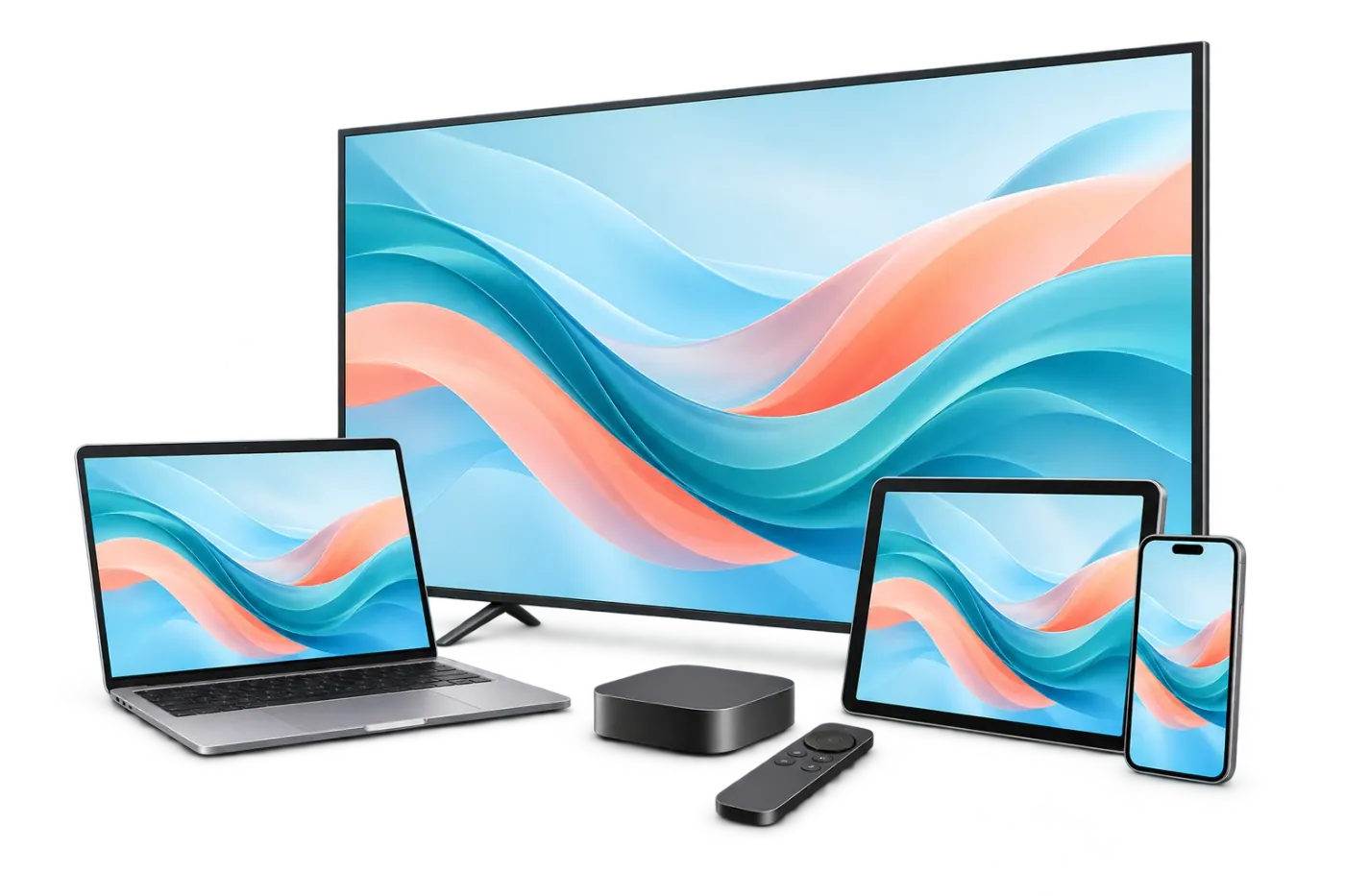
There's a documented setup path with a verified player for Fire TV (Fire OS 7 or 8), Google TV and Android TV, iPhone, iPad, Apple TV and Macs with Apple silicon. Samsung and LG TVs, Windows PCs, Android phones, Fire OS 14, Vega OS and Roku need confirming with support first — we don't claim every device works. The device check gives a specific answer for your device and player.
What does a "connection" mean?
One connection lets one stream play at a time. A plan with 2 connections lets two streams play simultaneously — for example, the living-room TV and a tablet. It is not a limit on how many devices you can install a player on; it's how many can be watching at the same moment. Plans come with 1 to 5 connections. (The checkout summary calls them "Devices"; it's the same number.)
How does renewal work?
Contact IPTV Services before your term ends to confirm the continuation process, duration, screen allowance and full total. A player app's own subscription or license (if it has one) is renewed separately with that app's developer.
Is there a free trial?
Yes — IPTV Services offers a 24-hour trial with no credit card required, through its trial request page. Prepare and review your message locally, then choose WhatsApp or email to send it. Support confirms availability; the form does not activate access. You'll still need a compatible player app to watch the trial.
Questions before you buy? Ask a person.
Support for Flix IPTV is provided by IPTV Services. Ask about a device, a player, a channel or a plan before you pay — and never share your password in a message.